
TP-Link Deco Mesh WiFi Installation in Dubai and Sharjah
Professional TP-Link Deco mesh WiFi setup, whole-home coverage optimization, and Ethernet backhaul integration provided by Trusted Professionals at affordable costs across the UAE.
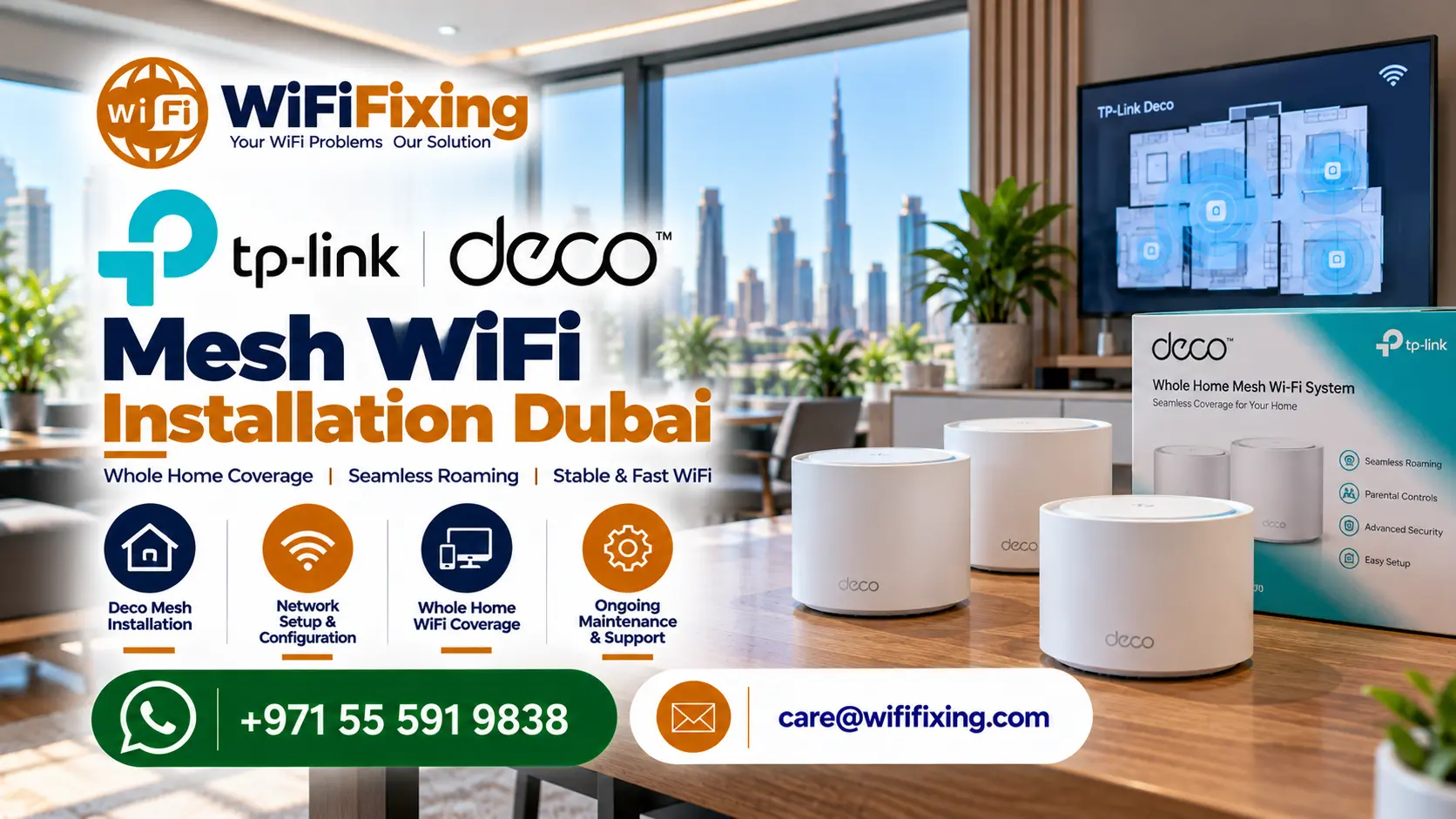
Whole-home TP-Link Deco mesh WiFi setup, access point placement, and wired Ethernet backhaul optimization in Dubai and Sharjah.
Seamless Whole-Property Mesh Wireless Across Dubai and Sharjah
Do you experience weak WiFi signals, dead zones, or slow wireless connections in certain rooms? TP-Link Deco Mesh WiFi Installation in Dubai and Sharjah can help improve wireless coverage throughout your home or workplace. WiFiFixing provides mesh WiFi setup and configuration services for villas, apartments, small offices, and other suitable properties.
Our service focuses on selecting practical Deco unit locations, configuring the network, connecting compatible devices, and testing wireless coverage thoroughly. Whether you are upgrading an existing router or setting up a brand-new mesh system, our team helps you choose an arrangement suited to your property dimensions and internet requirements.
Delivering Reliable Services with honest diagnostic assessments, our engineers measure structural signal damping caused by dense concrete blocks and insulated partitions. Homeowners and corporate clients trust our certified technicians for dependable wireless execution at affordable costs.
What Is TP-Link Deco Mesh WiFi?
TP-Link Deco is a mesh WiFi system designed to provide wireless coverage through multiple connected units. Instead of relying on a single router to reach every room, a mesh setup uses two or more units to extend coverage across the property.
Depending on the Deco model and installation method, the units communicate wirelessly or through Ethernet backhaul. The goal is to provide a more consistent WiFi experience as users move between covered areas.
Client devices switch automatically to the closest mesh node using smart 802.11k/v/r roaming protocols without disconnecting active video calls or voice chats. This unified architecture replaces troublesome third-party range extenders that often cut speeds in half.
Benefits of TP-Link Deco Mesh WiFi Installation
A correctly positioned mesh system reduces weak-signal areas in bedrooms, living rooms, upper floors, and other parts of a property. Our Trusted Professionals position satellite nodes so that radio signals envelop your entire floor plan smoothly.
Compatible Deco systems allow devices to move between mesh units while maintaining a unified network name and password. You will never need to manually switch between different network names as you walk across your residence.
Mesh WiFi proves exceptionally useful in multi-room homes, larger apartments, and multi-storey villas where a single optical router cannot overcome thick masonry. Strategic placement bridges dead zones across entertainment basements and outdoor terraces.
A properly configured system supports smartphones, laptops, 4K smart TVs, security cameras, and smart-home sensors simultaneously. Built-in quality of service controls prioritize real-time video meetings over casual background downloads.
Depending on your building layout, Deco units connect wirelessly or through existing structured Cat6 Ethernet cabling. Wired Ethernet backhaul delivers full gigabit throughput to satellite nodes, bypassing heavy concrete walls completely.
Our TP-Link Deco Mesh WiFi Installation Services
Explore our specialized on-site technical services designed to configure, integrate, and optimize TP-Link Deco networks across Dubai and Sharjah.
Deco Mesh WiFi Setup and Provisioning
We configure compatible Deco units, establish the primary mesh cluster, and set the main wireless parameters according to your bandwidth package. Our technicians calibrate channels on 2.4GHz, 5GHz, and 6GHz bands to avoid neighboring radio congestion.
Mesh WiFi for Villas and Multi-Floor Homes
Large or multi-storey villas present coverage challenges caused by thick walls, concrete ceilings, distance, and construction density. We assess suitable unit positions, determine whether wired backhauls are required, and recommend an appropriate multi-node layout.
Apartment WiFi Coverage Improvements
For apartments with weak signals in master bedrooms, kitchens, or maid rooms, a carefully planned mesh setup improves throughput without rewiring your rental unit. We position nodes along clear corridors to project signals around corners effortlessly.
Deco Configuration, Parental Controls, and Security
Installation includes custom SSID naming, secure password setup, IoT device network isolation, firmware upgrades, and HomeShield security configurations. Separate guest access keeps your personal files shielded from temporary visitors.
Existing Router and ISP Gateway Integration
Depending on your internet service provider’s modem and Deco model, the system operates in dedicated router mode or access point mode. Selecting the right operating mode avoids double NAT issues that can disrupt gaming consoles and smart doorbells.
Mesh WiFi Diagnostics and Troubleshooting
If your Deco units disconnect, show yellow indicator lights, or provide inconsistent speeds, we investigate placement distances, electrical interference, firmware bugs, and cabling issues. Our diagnostic checks restore reliable links quickly.
How Many TP-Link Deco Units Do You Need?
The ideal number of Deco units depends on your floor plan, property size, wall density, chosen Deco model, internet package, and whether Ethernet cabling exists:
A single compatible unit may suffice for open studios, although a two-unit mesh system provides superior coverage across multi-room or L-shaped floor plans.
Two or three appropriately placed units extend high-speed connectivity across living areas, balconies, home offices, and rear bedrooms effortlessly.
Three to six units typically deliver full coverage across ground, first, and rooftop terraces. An on-site survey confirms optimal positions and wired backhaul options.
Hardware requirements depend on active staff count, concurrent laptops, meeting room displays, and wireless printer distribution across the premises.
Adding excessive units does not automatically guarantee better performance. Crowded nodes placed too close together introduce mutual interference, which is why professional placement by our Trusted Professionals remains vital.
Our Mesh WiFi Installation Process
Understand your requirements: We discuss your property layout, internet provider subscription, existing optical modem, and weak WiFi zones.
Plan the layout: Our engineers evaluate suitable Deco models (such as X50, X60, or BE85), node placement, and wired or wireless backhaul paths.
Configure the system: We set up the primary and satellite units, optimize frequency channels, and configure required network security parameters.
Connect your devices: We assist in connecting smart televisions, computers, gaming consoles, and mobile devices to the new mesh network.
Test coverage: Our team conducts comprehensive speed and roaming tests across every room, ensuring there are no remaining dead zones.
Expert Support Beyond Installation and Delivery
Reliable wireless networking demands consistent professional follow-up long after hardware is installed and powered on. Architectural alterations, growing families, and emerging smart appliances can alter local signal behavior unexpectedly.
WiFiFixing provides truthful guidance and continuous technical assistance throughout Dubai, Abu Dhabi, and Sharjah. Technicians remain available to verify mesh app diagnostics, apply firmware security patches, and rebalance radio frequencies whenever neighboring spectrum conditions change.
Our dependable post-installation support ensures that your wireless setup continues running at peak performance without recurring downtime or hidden service fees.
Serving All Over the UAE
Our team of professionals can assist you in setting up WiFi networks, resolving Wi-Fi issues, maintaining Wi-Fi, fixing Wi-Fi, and installing Wi-Fi in Dubai Sharjah, Ajman, Umm Al Quwain, Ras Al Khaimah, Fujairah, Abu Dhabi, etc.
Dubai coverage includes Mankhool, Business Bay, Jafliya, Bur Dubai, Downtown, Deira, Nad-al-Hamar, oud metha, Jumairah, Downtown Dubai, Nadd Hessa, Ras Al Khor, Umm Ramool, Al Safa, Silicon Oasis, Nad Al Sheba, The Villa, Arabian Ranches 2, Barsha Heights, Mira , Discovery Gardens, Al Qusais, Garhoud, Al Nahda, al rigga , Meydan, Falconcity, Dubai Hills, Meydan South Villas, Liwan, DAMAC Hills,Triangle, Marina, Springs, Arabian Ranches, Barsha ,T Com, Motor City, Greens, Al Awir , Palm Jumairah, Al Jaddaf, Al Khawaneej, Karama, Al Rashidiya, Palm Jumeirah, Al Wasl, Umm Suqeim, Al Warqa’a, Burj Al Arab, Dubai Investments Park, Jumairah Lake Towers – JLT, Discovery Garden, JLT, Jumairah Village Circle, JVC, and Jumairah Village.
Sharjah: Al Zahia, Industrial Area Sharjah, Al Sharq, Al Qadisiya, Bu Tina, Al Jazzat, rashidiya, Al Nahda, Al Majaz, Al Taawun, Al Khan, Muwaileh, and Rolla.
Abu Dhabi : Mussafah, Khalifa City, Mohammed Bin Zayed City, Al Reem Island, and premier residential communities.
Ajman: residential sectors alongside prompt mesh installations across Umm Al Quwain, Ras Al Khaimah, and Fujairah near Me.
All Brands We Support
We work with almost every popular router and WiFi system available in the UAE market:
Specialized Wireless Solutions & IT Engineering
Professional on-demand services for corporate sites, temporary event setups, and luxury homes throughout the UAE.
Verified Customer Reviews
Authentic experiences shared by home and business clients across Dubai and the UAE.
“Quickly fixed our Network issues, switch price also very affordable, thank wifi team”
— Sajeesh Mecheri
“Best service and professional approach, solved my issues in a short time”
— Saji Sasidharan
“They supported my ip telephone issues, quick support, affordable price”
— Abdul Bari
“Thank you ,nice wifi service , quick response”
— Zeeshan Ali
“I was having some network issues and with there help the fixed it immediately”
— Alaa
“Quick and fast wifi installation and service”
— hysham
“Thank you, affordable price and quality work”
— Muhammed Rinshid
Helpful Resources & Guides
Consult our engineering articles covering wireless design, hardware comparisons, and best practices.
Wi-Fi Services Across the UAE
WiFi Specialist
WiFi 6 and WiFi 6E
The Ultimate Guide to Network Security
What is a WiFi Survey
Guest WiFi Experience
How Extreme Heat Impacts Your WiFi
Extend Your WiFi
How to Get WiFi in Your Caravan
A Strong and Reliable WiFi Signal
Elevate Your Home Network with WiFi Mesh Router Systems
Simple Tips for Better Connectivity at Home
Troubleshooting Common Access Point Issues
Patch Panel vs Switch
Our Infrastructure Services in UAE
Access our complete range of specialized on-site cabling, communication, security, and networking solutions.
Structured Data Cabling & Fiber Optic Services
CCTV Installation & Security Camera Services
Telephone System Services
About Our Services in UAE
Dubai WiFi Setup Solution
Dubai WiFi Technician
WiFi Solution in Sharjah
Dubai WiFi Solution
Dubai Wireless Solutions
Telephone System VoIP PBX 3CX Installation
Maintenance Services
Network Cabling and Structured Cabling
Home WiFi Survey
Camera Installation
Home and Office WiFi Installation
New WiFi Installation
Frequently Asked Questions About TP-Link Deco Mesh Installation
Is TP-Link Deco mesh WiFi suitable for large concrete villas in Dubai?
Yes, compatible Deco systems provide exceptional multi-room coverage across UAE villas. When units are linked using existing Cat6 Ethernet backhauls, signals bypass thick reinforced concrete floors completely to maintain full fiber optic speeds everywhere.
Will installing a Deco mesh system increase my subscription internet speed?
A mesh system cannot exceed the raw speed delivered by your telecom provider. However, it resolves internal wireless bottlenecks and restores the full speed of your optical package to distant bedrooms that previously experienced weak reception.
Is wired Ethernet backhaul noticeably better than wireless backhaul?
Ethernet backhaul delivers a dedicated physical data highway between nodes, eliminating the 50 percent speed reduction common with wireless repeating through thick walls. Where cabling is unavailable, our engineers optimize wireless placement to maximize throughput.
Why do satellite Deco units show yellow or red flashing disconnect lights?
Disconnect alerts typically indicate that satellite nodes are positioned too far from the main unit, encountering electrical interference, or suffering from a pinched patch cable. Our technicians rebalance node spacing to restore continuous link stability.
Do you provide on-site Deco installation across Sharjah and Abu Dhabi?
Our field technicians accept residential and commercial mesh installation projects in Dubai, Sharjah, Abu Dhabi, Ajman, and across the Northern Emirates. Contact our customer support team to schedule an immediate site consultation for your property.
Popular Searches
TP-Link Deco Mesh WiFi Installation Dubai, TP-Link Deco Setup Dubai, TP-Link Deco Installation Sharjah, Mesh WiFi Installation UAE, TP-Link Mesh WiFi for Villas, Deco Mesh WiFi Support Dubai, Villa Mesh WiFi Dubai, Home Mesh WiFi Sharjah, Deco Router Setup Dubai, Deco Troubleshooting UAE.
Connect With Our Deco Mesh Specialists
Speak directly with an experienced wireless engineer today for reliable TP-Link Deco mesh deployment, Ethernet backhaul optimization, and complete whole-home network support across the UAE.