
TP-Link Omada Controller Installation Service in the UAE
Professional TP-Link Omada Controller installation, cloud configuration, and centralized wireless network management support from WiFiFixing across the UAE.
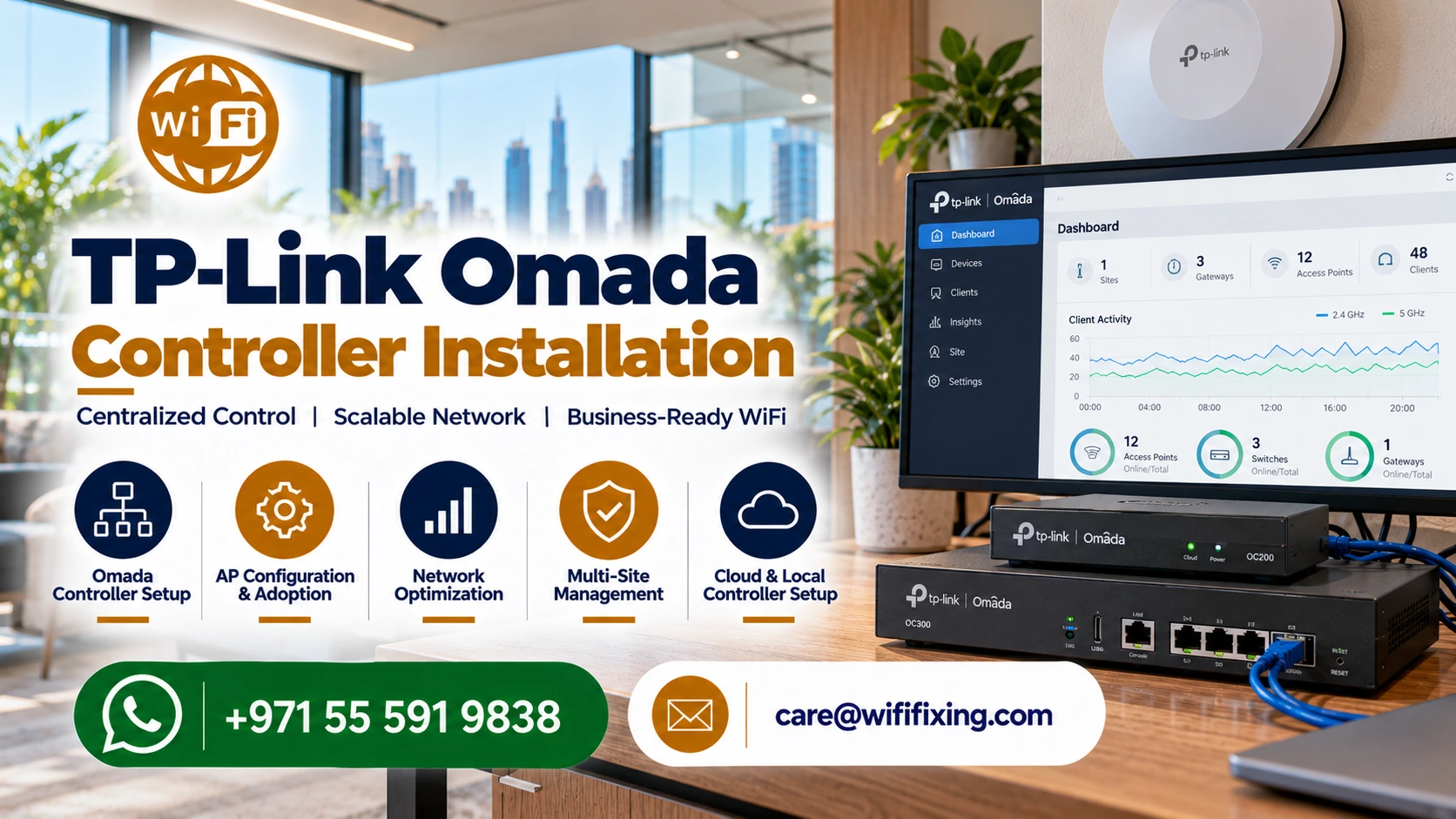
Centralized TP-Link Omada Controller hardware provisioning, access point adoption, and business Wi-Fi deployment across the UAE.
Centralized Business Wi-Fi Solutions Across the UAE
Looking for a professional TP-Link Omada Controller installation service in the UAE? WiFiFixing helps businesses and property owners set up, configure, and manage compatible TP-Link Omada networking equipment for reliable, well-organised Wi-Fi.
Whether you need business Wi-Fi for an office in Dubai, wireless coverage for a hotel in Abu Dhabi, connectivity for a retail shop in Sharjah, or network management for a large villa, the right Omada configuration can make your network easier to administer. Experienced engineers assess your floor plans, calculate client density, and configure hardware to eliminate bottlenecks.
Our specialists help assess your technical requirements, select suitable controller options, configure supported networking devices, and improve the management of your existing Wi-Fi setup. Truthful diagnostic evaluations ensure that your wireless investment delivers dependable throughput every business day.
What Is a TP-Link Omada Controller?
The TP-Link Omada Controller is a central management platform for compatible Omada networking devices. It allows administrators to manage supported access points, switches, and gateways through a unified interface rather than configuring every device independently.
Depending on the controller, network equipment, and configuration, Omada can provide centralised device management, network monitoring, guest Wi-Fi controls, and remote administration.
For businesses with multiple access points or several network locations, centralised management can simplify routine changes and make it easier to review the status of connected equipment. Administrators gain real-time visibility into wireless traffic without inspecting individual access points physically.
Why Choose Omada Controller Installation for Your Business?
Managing several access points individually can become difficult as a business grows. An Omada Controller brings compatible devices together under one management interface, helping administrators maintain consistent network settings across all premises.
Offices, hotels, restaurants, schools, and commercial properties require multiple access points to cover different rooms and floors. A properly planned Omada network simplifies configuration and administration across these devices. Actual coverage depends on the building layout, interference, access point placement, cabling, and the number of connected users.
Businesses frequently need separate wireless access for visitors and employees. Depending on the equipment and configuration, Omada supports guest access features and network separation options. These features help businesses organise access according to their operational and security requirements.
Supported Omada controller options allow authorised administrators to manage compatible devices remotely when cloud access is configured. Cloud connectivity proves invaluable for businesses with multiple branches or IT staff who oversee networks from different locations.
Centralised monitoring and configuration help administrators identify device status issues, review settings, and make changes more efficiently. Professional setup also documents the network clearly and makes future upgrades easier to plan.
TP-Link Omada Controller Hardware & Cloud Options
Choosing the right controller depends on your network size, device compatibility, management requirements, and budget:
The OC200 is a compact hardware controller suitable for supported smaller Omada deployments. Compact dimensions make it appropriate for small offices, retail shops, and residential villas with multiple compatible networking devices.
The OC300 is designed for larger Omada deployments than the OC200. Enhanced processing power suits growing businesses, schools, hospitality properties, and networks with more extensive management requirements.
The OC400 is intended for larger-scale Omada management requirements. High-capacity architecture makes it worth considering for enterprise environments, subject to current model specifications and the equipment being managed.
Software-based or cloud-based management may serve as an effective alternative to a dedicated hardware controller. Before selecting a controller platform, our technicians check device limits, supported features, firmware compatibility, and applicable licensing requirements.
Our TP-Link Omada Controller Installation Services
WiFiFixing can help with different stages of your Omada network project, depending on the equipment and service required.
Omada Controller Installation and Setup
We set up the appropriate controller option and prepare the management environment for compatible networking equipment. Technicians provision IP addressing, configure administrator accounts, and establish secure local and cloud connectivity.
Omada Access Point Installation
Our engineers plan access point locations, connect supported equipment, and configure wireless settings to suit the property and expected usage. Proper radio power tuning prevents neighboring access points from overlapping excessively.
Omada Switch and Gateway Configuration
We assess your existing network and assist with integrating compatible switches and gateways. Where supported and required, configuration includes network segmentation, VLANs, and traffic prioritization rules.
Existing Omada Network Troubleshooting
If your controller cannot discover a device, an access point is offline, or network settings are not working as expected, we investigate the configuration and physical connectivity. Root-cause diagnostics resolve adoption failures without guesswork.
Business Wi-Fi Upgrades
If your business is expanding or your current Wi-Fi setup no longer meets your needs, our team assesses additional access points, switching requirements, and controller migration options to scale your bandwidth effortlessly.
Guest Wi-Fi and Network Separation
For suitable installations, we configure guest wireless access and separate networks for different users or business functions, depending on the supported equipment and architectural design. Visitors browse freely while confidential files remain safe.
Omada Controller Solutions for Different Industries
A centrally managed network simplifies administration across work areas, meeting rooms, reception desks, and isolated guest networks.
Hospitality operators deliver seamless coverage across guest suites, dining rooms, lobbies, and poolside terraces through coordinated access point clusters.
Store managers benefit from isolated subnets powering point-of-sale terminals, inventory scanners, staff tablets, and branded visitor Wi-Fi portals.
Educational facilities support hundreds of concurrent student laptops and classroom digital boards through load-balanced Omada radios.
Large residential estates receive robust multi-floor coverage that penetrates concrete construction cleanly and supports smart home ecosystems.
How Our Omada Installation Process Works
Understand your requirements: We discuss your property layout, current networking equipment, coverage expectations, and expected user counts.
Assess controller and equipment options: We help identify compatible controller hardware, ceiling access points, PoE switches, and security gateways.
Install and configure: The agreed work covers controller provisioning, device adoption, wireless SSID setup, and seamless switch integration.
Test the agreed functions: Our technicians check client roaming, backhaul speeds, and configured security features systematically across your space.
Explain network management: We provide clear guidance on accessing the controller dashboard, viewing connected users, and managing routine settings.
Expert Support Beyond Installation and Delivery
Dependable wireless connectivity requires continuous technical oversight long after initial hardware mounting is finalized. Company requirements change, employee headcount increases, and structural room adjustments introduce unexpected signal reflections over time.
WiFiFixing provides ongoing technical assistance, truthful guidance, and proactive software maintenance across the United Arab Emirates. Technicians remain available to verify database health, apply verified firmware updates safely, and adjust radio frequencies whenever local interference patterns change.
Our dependable post-installation support ensures that your wireless setup continues running at peak performance without recurring downtime or hidden service fees.
Serving All Over the UAE
Our team of professionals can assist you in setting up WiFi networks, resolving Wi-Fi issues, maintaining Wi-Fi, fixing Wi-Fi, and installing Wi-Fi in Dubai Sharjah, Ajman, Umm Al Quwain, Ras Al Khaimah, Fujairah, Abu Dhabi, etc.
Dubai coverage includes Mankhool, Business Bay, Jafliya, Bur Dubai, Downtown, Deira, Nad-al-Hamar, oud metha, Jumairah, Downtown Dubai, Nadd Hessa, Ras Al Khor, Umm Ramool, Al Safa, Silicon Oasis, Nad Al Sheba, The Villa, Arabian Ranches 2, Barsha Heights, Mira , Discovery Gardens, Al Qusais, Garhoud, Al Nahda, al rigga , Meydan, Falconcity, Dubai Hills, Meydan South Villas, Liwan, DAMAC Hills,Triangle, Marina, Springs, Arabian Ranches, Barsha ,T Com, Motor City, Greens, Al Awir , Palm Jumairah, Al Jaddaf, Al Khawaneej, Karama, Al Rashidiya, Palm Jumeirah, Al Wasl, Umm Suqeim, Al Warqa’a, Burj Al Arab, Dubai Investments Park, Jumairah Lake Towers – JLT, Discovery Garden, JLT, Jumairah Village Circle, JVC, and Jumairah Village.
Sharjah Al Zahia, Industrial Area Sharjah, Al Sharq, Al Qadisiya, Bu Tina, Al Jazzat, rashidiya, Al Nahda, Al Majaz, Al Taawun, Al Khan, Muwaileh, and Rolla.
Abu Dhabi include Mussafah, Khalifa City, Mohammed Bin Zayed City, Al Reem Island, and central commercial areas.
Ajman cover residential communities alongside responsive wireless installations across Umm Al Quwain, Ras Al Khaimah, and Fujairah near Me.
All Brands We Support
We work with almost every popular router and WiFi system available in the UAE market:
Specialized Wireless Solutions & IT Engineering
Professional on-demand services for corporate sites, temporary event setups, and luxury homes throughout the UAE.
Verified Customer Reviews
Authentic experiences shared by home and business clients across Dubai and the UAE.
“Quickly fixed our Network issues, switch price also very affordable, thank wifi team”
— Sajeesh Mecheri
“Best service and professional approach, solved my issues in a short time”
— Saji Sasidharan
“They supported my ip telephone issues, quick support, affordable price”
— Abdul Bari
“Thank you ,nice wifi service , quick response”
— Zeeshan Ali
“I was having some network issues and with there help the fixed it immediately”
— Alaa
“Quick and fast wifi installation and service”
— hysham
“Thank you, affordable price and quality work”
— Muhammed Rinshid
Helpful Resources & Guides
Consult our engineering articles covering wireless design, hardware comparisons, and best practices.
Wi-Fi Services Across the UAE
WiFi Specialist
WiFi 6 and WiFi 6E
The Ultimate Guide to Network Security
What is a WiFi Survey
Guest WiFi Experience
How Extreme Heat Impacts Your WiFi
Extend Your WiFi
How to Get WiFi in Your Caravan
A Strong and Reliable WiFi Signal
Elevate Your Home Network with WiFi Mesh Router Systems
Simple Tips for Better Connectivity at Home
Troubleshooting Common Access Point Issues
Patch Panel vs Switch
Our Infrastructure Services in UAE
Access our complete range of specialized on-site cabling, communication, security, and networking solutions.
Structured Data Cabling & Fiber Optic Services
CCTV Installation & Security Camera Services
Telephone System Services
About Our Services in UAE
Dubai WiFi Setup Solution
Dubai WiFi Technician
WiFi Solution in Sharjah
Dubai WiFi Solution
Dubai Wireless Solutions
Telephone System VoIP PBX 3CX Installation
Maintenance Services
Network Cabling and Structured Cabling
Home WiFi Survey
Camera Installation
Home and Office WiFi Installation
New WiFi Installation
Frequently Asked Questions About TP-Link Omada Installation
Can you install and configure Omada controllers for offices, hotels, and retail shops?
Yes, our engineering team regularly assesses and installs Omada systems across corporate workspaces, hospitality venues, shops, and expansive villas. Every implementation is customized to match building construction and expected user density.
Can you troubleshoot or optimize an existing TP-Link Omada network in the UAE?
Our technicians evaluate pre-existing setups to resolve device adoption issues, packet latency, offline access points, and messy port profiles. Upgrades and software adjustments restore stability without requiring full equipment replacement.
Can I manage my Omada network securely from outside the office or home?
Remote cloud management is fully supported with compatible Omada controllers when cloud access is configured correctly. Authorized administrators can adjust network parameters and inspect connected client logs from anywhere in the world.
Do I need a hardware appliance like the OC200, OC300, or a software controller?
Hardware controllers like the OC200 and OC300 provide dedicated low-power reliability without requiring a computer running continuously. However, software controllers on local servers or cloud hosting options may be preferable for larger enterprise networks.
Do you provide on-site TP-Link Omada installation outside Dubai?
We accept project inquiries across the UAE, including Abu Dhabi, Sharjah, Ajman, and the Northern Emirates. Contact our team with your location and device inventory to arrange a scheduled site survey.
Popular Searches
TP-Link Omada Controller Dubai, Omada Controller Installation Dubai, Omada Controller Setup Dubai, TP-Link Omada Configuration Dubai, Omada Cloud Controller UAE, Omada Access Point Installation Dubai, Omada Network Installation Dubai, Managed Wi-Fi Dubai, Business Wi-Fi Solutions Dubai, OC200 Controller Installation, OC300 Controller Setup, OC400 Controller Installation, Omada Network Troubleshooting Dubai, TP-Link Omada Controller Installation UAE, Omada Controller Setup UAE, TP-Link Omada Controller UAE, Omada Controller Configuration UAE, Omada Access Point Installation UAE, Business Wi-Fi Installation UAE, Managed Wi-Fi Solutions UAE, TP-Link Omada Network Support UAE, Omada Controller Installation Abu Dhabi, Omada Controller Installation Sharjah.
Connect With Our Omada Controller Specialists
Speak directly with an experienced wireless engineer today for reliable Omada controller deployment, access point configuration, and complete business network support across the UAE.